Seedream 5.5 AI Image Generator
Seedream 5.0 Pro, Lite and Flash today, Seedream 5.5 the day ByteDance opens it. Up to 4K, pay per image.
Seedream 5.0 Pro · Lite · Flash · Sharp text in images · Up to 10 reference images · Up to 4K · Free images to start
Real renders from this site. Pick one to load its prompt and settings.
What you can do with Seedream
Three Seedream models, one prompt box, and the price on the button before you generate.
 "KYOTO""秋の京都""October – November"
Text that reads correctly
Seedream is known for clean typography. Put the words in quotes — a headline, a price, a menu, even Japanese or Chinese — and they come out legible.
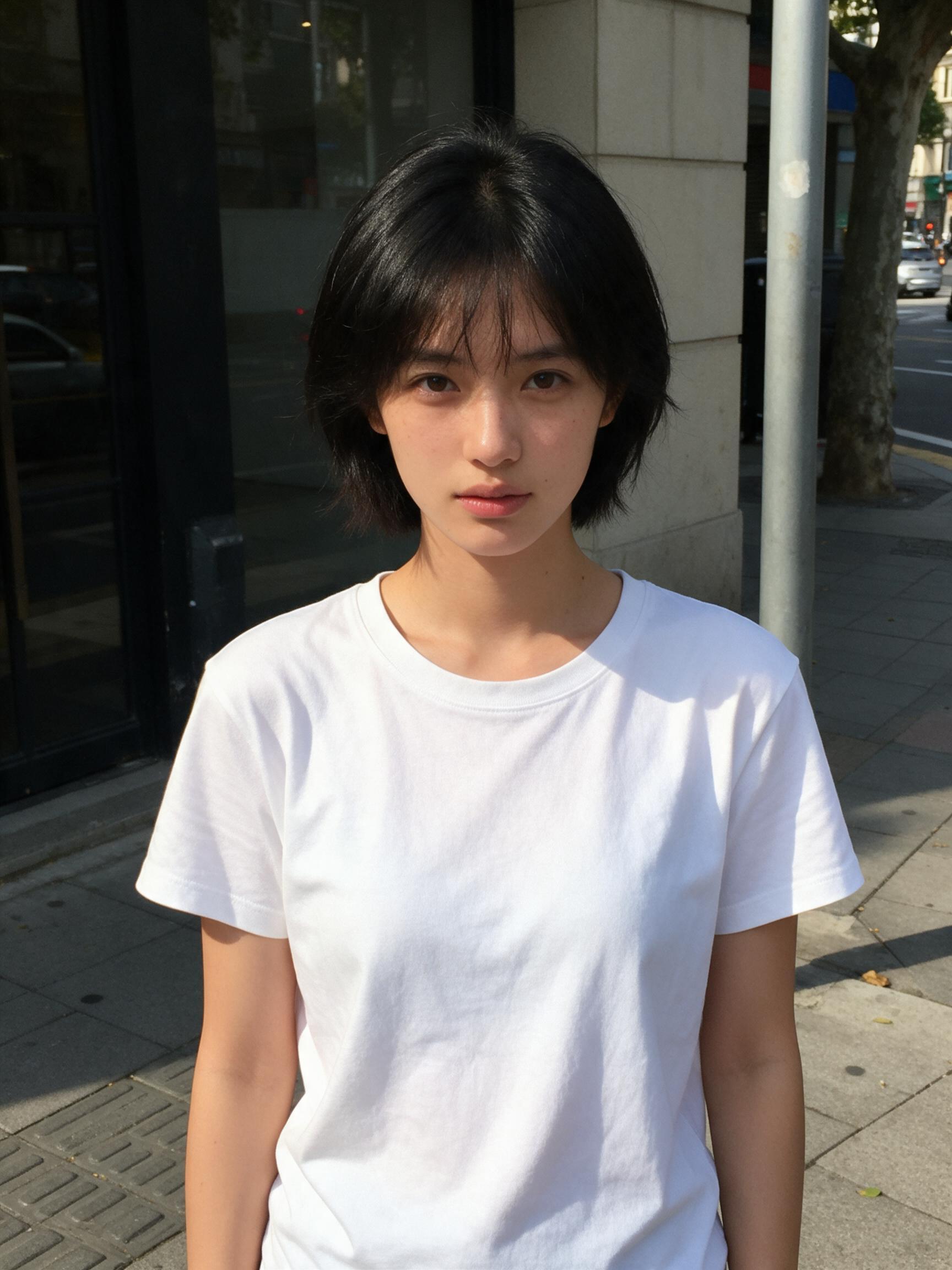
Image 1 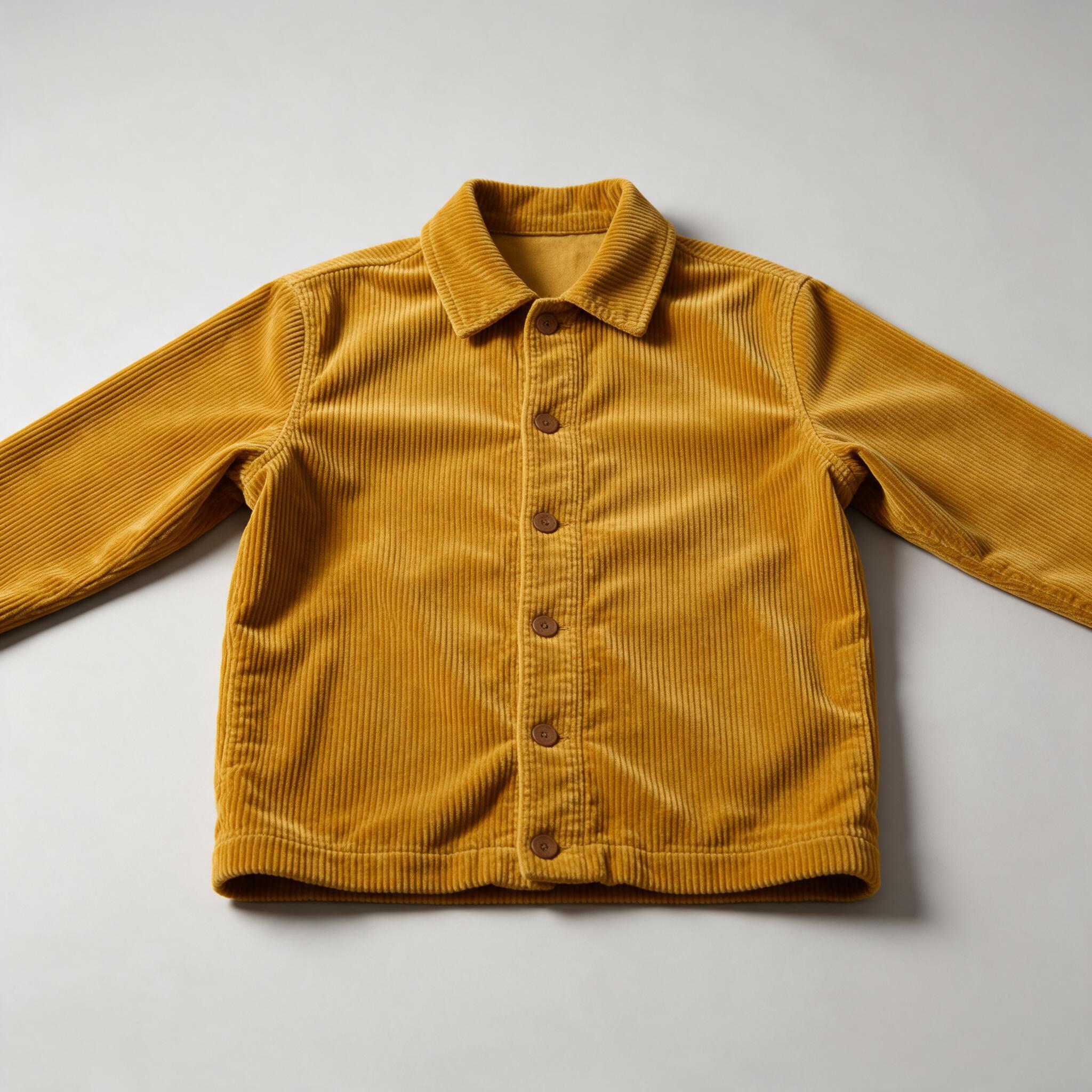
Image 2 
Result Up to 10 reference images
Combine a person, a product, an outfit and a style in one edit. Each upload gets a name — Image 1, Image 2 — and typing @ inserts it in the prompt.
 Close-up of a Seedream 5.0 Lite 4K image
Up to 4K
1K or 2K on Seedream 5.0 Pro and Flash; 2K or 4K on Lite at the same price. Auto keeps your picture's shape, or pick a ratio from 21:9 to 9:16.
Pro, Lite and Flash in one place
Seedream 5.0 Pro for the best result, Lite for 4K, Flash for speed. Switch models and your prompt and pictures stay. Seedream 5.5 is added here when it opens.
Seconds, not minutes
Seedream 5.0 Flash is ready in about 15 seconds; Pro and Lite take 40 to 60 seconds for more detail.
Private by default
Your uploads and results are visible only to you. Uploads are deleted after 30 days; results stay in your library until you delete them.
Which Seedream model should I use?
Start with Seedream 5.0 Pro. Switch to Lite for 4K, or to Flash for quick drafts at the lowest price.

Seedream 5.0 Pro
RecommendedPosters with text, portraits, careful edits
- Resolution
- 1K / 2K
- Reference images
- Up to 5
- Typical wait
- About 50 s
Price
- 1K5 credits
- 2K10 credits
From 5 credits

Seedream 5.0 Lite
4K images, dense layouts, product shots
- Resolution
- 2K / 4K
- Reference images
- Up to 10
- Typical wait
- About 50 s
Price
- 2K4 credits
- 4K4 credits
From 4 credits

Seedream 5.0 Flash
Quick drafts and variations
- Resolution
- 1K / 2K
- Reference images
- Up to 10
- Typical wait
- About 15 s
Price
- 1K2 credits
- 2K2 credits
From 2 credits
What is Seedream 5.5?
Seedream 5.5 is the next version of ByteDance's Seedream image model, the successor to Seedream 5.0 Pro. ByteDance says it adds native transparent (RGBA) output, clean local edits over 80+ rounds, more realistic light and skin, and far more accurate text in 15+ languages. As of November 2026 you can use it only inside ByteDance's own Dreamina app, where it's listed as "Image 5.5"; there is no public API yet, so no third-party site can run it.
This site runs the Seedream models you can use today through an API — Seedream 5.0 Pro, Seedream 5.0 Lite and Seedream 5.0 Flash — for text to image and image editing with up to 10 reference images, up to 4K, paid per image with no subscription. When ByteDance opens Seedream 5.5 to API providers, it will appear here as a model choice; your account, credits and prompts carry over.
Seedream 5.5 AI is an independent service and is not affiliated with or endorsed by ByteDance or BytePlus. Seedream is a trademark of its owner. Seedream 5.5 facts below are ByteDance's own claims from its preview page.
Seedream at a glance
Checked against the sources linked on each line.
- Seedream 5.5
- ByteDance's next-generation image model: native transparent and semi-transparent output with RGBA channels, built for layered design work. BytePlus Lumina (ByteDance)
- Text in 15+ languages
- On complex multilingual text, ByteDance reports an average score of 4.53 across 15 languages for Seedream 5.5, up from 3.34 for Seedream 5.0 Pro. BytePlus Lumina (ByteDance)
- Editing rounds
- Local edits stay clean over more than 80 rounds; in ByteDance's internal tests its multi-round editing beat GPT-Image 2.5, Flux 3 Image and Nano Banana 2.1. BytePlus Lumina (ByteDance)
- Seedream 5.0 Pro
- The quality-first Seedream 5.0 model and the one 5.5 builds on: text to image and editing with up to 10 reference images, 1K to 2K output. BytePlus ModelArk docs
- Seedream 5.0 Lite
- A multimodal Seedream 5.0 model with stronger prompt following and reasoning, for slides, app screens, posters and other dense layouts, up to 4K. ByteDance Seed
- Availability
- Dreamina, ByteDance's own creative app, offers Seedream 5.5 as "Image 5.5" in its AI Image tool, on Dreamina's plans. Dreamina (ByteDance)
- API
- BytePlus ModelArk, ByteDance's API platform, lists Seedream 5.0 Pro, Lite and Flash and older versions, but no Seedream 5.5 model yet, so API-based sites can't offer it. BytePlus ModelArk docs
How it works
Three steps, usually under a minute.
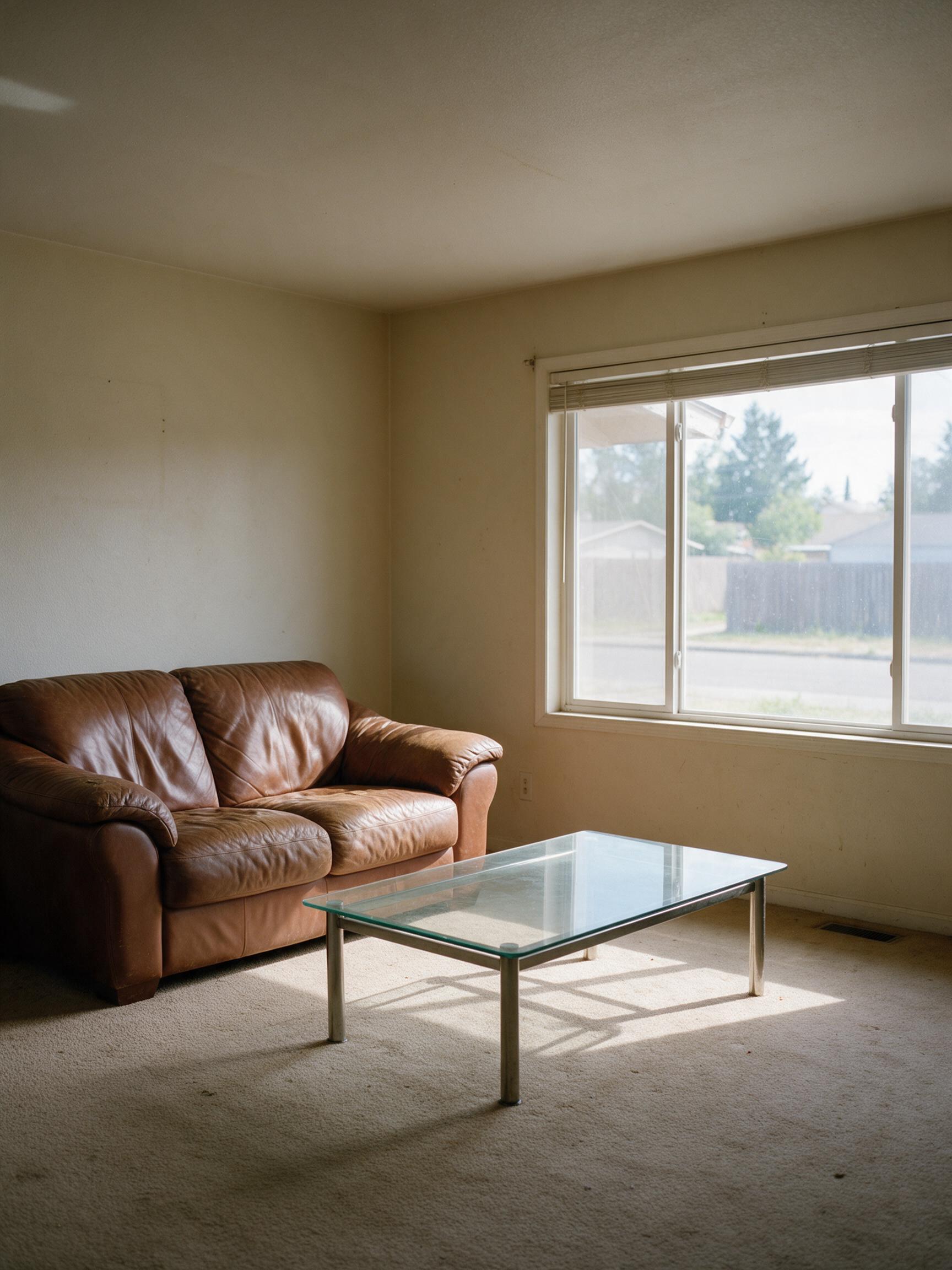
1Describe or upload
Write what you want to see, or add JPG, PNG or WebP pictures (up to 10 MB each) to edit them.
“Restyle this living room in a warm Japandi style: light oak floor, linen sofa, low wooden table, paper lamp and a few plants. Keep the window, walls and room layout.”
Seedream 5.0 Lite · 2K
2Be specific
Name the subject, setting, style and light, and put any words to show in quotes. For edits, say what to change and what to keep, for example "make it golden hour, keep her face".
3Generate and download
Pick Seedream 5.0 Pro, Lite or Flash, the resolution and shape, see the price on the button, and download the image when it's ready.
Pay per image
300 credits for $9.99. Seedream 5.0 Pro at 1K is 5 credits an image, so the smallest pack makes about 60 images — roughly $0.17 each.
Starter
$9.99
300 credits · one-time
- ≈ 60 Seedream 5.0 Pro images at 1K
- ≈ 30 Seedream 5.0 Pro images at 2K
- $0.17 per Seedream 5.0 Pro 1K image
Creator
Most popular$29.99
1000 credits · one-time
- ≈ 200 Seedream 5.0 Pro images at 1K
- ≈ 100 Seedream 5.0 Pro images at 2K
- $0.15 per Seedream 5.0 Pro 1K image
Studio
Save 16%$69.99
2500 credits · one-time
- ≈ 500 Seedream 5.0 Pro images at 1K
- ≈ 250 Seedream 5.0 Pro images at 2K
- $0.14 per Seedream 5.0 Pro 1K image
One-time packs · purchased credits never expire · back automatically if an image fails
What is Seedream 5.5?
Seedream 5.5 is ByteDance's next Seedream image model, following Seedream 5.0 Pro. ByteDance's preview lists native transparent (RGBA) output, clean edits over 80+ rounds, better realism and much more accurate text in 15+ languages.
Is Seedream 5.5 out? Can I use it here?
As of November 2026, Seedream 5.5 is available only inside ByteDance's own Dreamina app, listed as "Image 5.5". There's no public API yet, so no third-party website — this one included — can really run it; check the model name before paying a site that says otherwise. Seedream 5.5 AI adds Seedream 5.5 the day an API provider serves it. Until then you can create here with Seedream 5.0 Pro, the model 5.5 builds on, plus 5.0 Lite and Flash.
Which model should I pick until 5.5 arrives?
Seedream 5.0 Pro for the best quality, posters with text and careful edits; Seedream 5.0 Lite when you need 4K; Seedream 5.0 Flash for fast, low-cost drafts. Your prompt and pictures stay when you switch.
Can I try Seedream for free?
Yes. A new account gets 20 credits — 4 Seedream 5.0 Pro images at 1K. Check in every day for one free Seedream 5.0 Flash 2K image, and a 7-day streak adds bonus credits (2 on day 3, 6 on day 7). After that, images use credits from one-time packs: 300 credits for $9.99. Failed images cost nothing.
How much does an image cost?
From 2 credits on Seedream 5.0 Flash to 10 credits (Seedream 5.0 Pro, 2K) per image — 5 credits for Seedream 5.0 Pro at 1K, about $0.17 in the smallest pack. Reference images are included, and the button shows the exact cost before you generate.
How is Seedream 5.5 different from Seedream 5.0?
According to ByteDance, 5.5 renders text far more accurately (4.53 vs 3.34 on its 15-language test), looks more realistic, keeps quality over many more editing rounds, and can output transparent images natively. Seedream 5.0 Pro already handles text, editing and up to 10 references well, which is why it's the default here.
Which Seedream models can I use?
Seedream 5.0 Pro, Seedream 5.0 Lite and Seedream 5.0 Flash, all for text to image and image editing. Seedream 5.5 will be added when it becomes available through an API (today it's only in ByteDance's Dreamina app).
Can Seedream put text in an image?
Yes, it's one of Seedream's strengths. Put the exact words in quotes and say where they go, for example a headline "SUMMER SALE" at the top. Seedream 5.0 Pro is the most reliable for small or non-English text.
Can I edit my own photos or combine several?
Yes. Upload up to 10 pictures (5 on Seedream 5.0 Pro). They're named Image 1, Image 2… in upload order; type @ in the prompt to insert one and say what it's for, for example "put the jacket from Image 2 on the woman in Image 1".
What resolutions and sizes can I get?
1K or 2K on Seedream 5.0 Pro and Flash, 2K or 4K on Seedream 5.0 Lite. Choose Auto to keep your first picture's shape, or a ratio from 21:9 to 9:16.
Can I make transparent PNGs?
Native transparent output is one of the features ByteDance announced for Seedream 5.5; it isn't available here yet. Today's Seedream 5.0 models return a normal image with a background.
Can I use the images commercially?
Yes, the images you make are yours to use, as long as your prompt and uploads don't infringe anyone's rights. See the terms for details.
What happens to my uploads?
They're used only to make your image and are deleted 30 days later. Finished images stay in your library until you delete them, and no one else can see them.
What happens if an image fails?
Your credits go back to your balance automatically. Requests the provider rejects, for example for content, are not charged either.
Make your first Seedream image
Write one sentence, or upload a picture, and see what Seedream does with it.
Start creating