Seedream 5.0 AI Image Generator
All three Seedream 5.0 models in your browser — Pro for quality, Lite for 4K, Flash for speed. Create from text or edit your pictures, with the price on the button.
Pro · Lite · Flash · Text to image and editing · Up to 10 references · Up to 4K · Credits back if it fails
Made with Seedream 5.0
Real results from this site and the prompt behind each one. Use one as a starting point.

A travel poster for Kyoto in autumn: a red maple tree over a wooden temple bridge, bold headline "KYOTO" at the top, the Japanese line "秋の京都" under it, small text "October – November" at the bottom, clean flat print style.
Text to image · Seedream 5.0 Pro · 2K BeforeAfter
Put the jacket from Image 2 on the woman in Image 1, worn open over her t-shirt. Keep her face, hair, pose and the street exactly the same.
Image to image · Seedream 5.0 Pro · 2K
Close-up portrait of an elderly fisherman with a gray beard and a knitted cap, soft window light from the left, visible skin texture, shallow depth of field, 85mm film photo.
Text to image · Seedream 5.0 Pro · 2K

Seedream 5.0, explained
Seedream 5.0 is ByteDance's current generation of image models. It comes in three versions: Pro, the quality-first model; Lite, a multimodal model with stronger reasoning that renders up to 4K; and Flash, built to be faster and cheaper.
All three do text to image and image editing with up to 10 reference images, and all three are known for legible text in images. Seedream 5.5, announced by ByteDance as its next model, builds on 5.0 Pro.
On Seedream 5.5 AI you pick the version per image. Every image is priced before you generate, reference images are included, and a failed image costs nothing.
Seedream 5.5 AI is an independent service and is not affiliated with or endorsed by ByteDance or BytePlus. Seedream is a trademark of its owner.
- Model
- Seedream 5.0 Pro
- Resolution
- 1K · 2K
- Reference images
- Up to 5 images
- Credits per image
1K5 credits
2K10 credits
How it works
Three steps, usually under a minute.
1Describe or upload
Write what you want to see, or add JPG, PNG or WebP pictures (up to 10 MB each) to edit them.
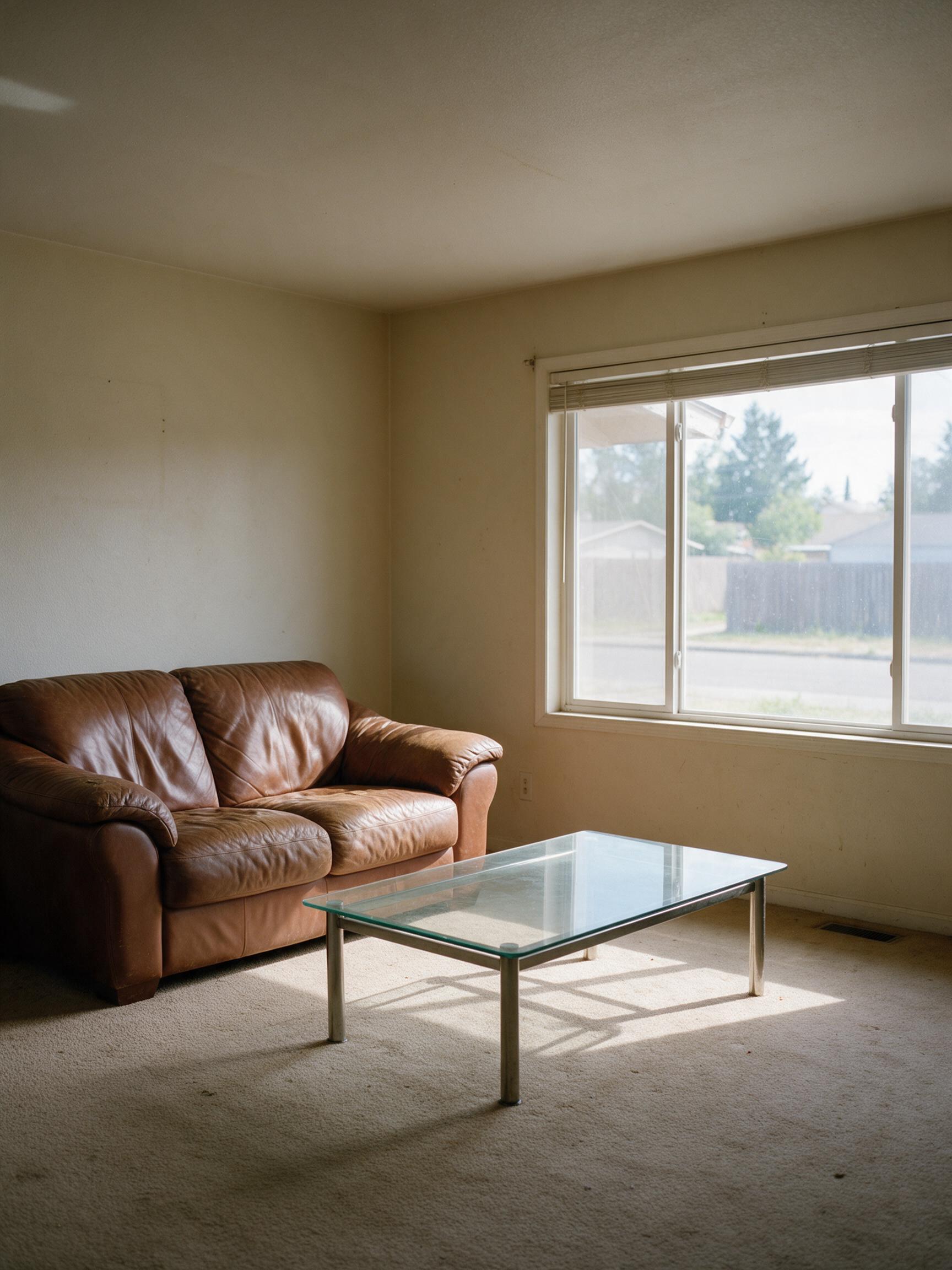
“Restyle this living room in a warm Japandi style: light oak floor, linen sofa, low wooden table, paper lamp and a few plants. Keep the window, walls and room layout.”
Seedream 5.0 Lite · 2K
2Be specific
Name the subject, setting, style and light, and put any words to show in quotes. For edits, say what to change and what to keep, for example "make it golden hour, keep her face".

3Generate and download
Pick Seedream 5.0 Pro, Lite or Flash, the resolution and shape, see the price on the button, and download the image when it's ready.
Which Seedream model should I use?
Start with Seedream 5.0 Pro. Switch to Lite for 4K, or to Flash for quick drafts at the lowest price.
Seedream 5.0 Pro
RecommendedPosters with text, portraits, careful edits
- Resolution
- 1K / 2K
- Reference images
- Up to 5
- Typical wait
- About 50 s
Price
- 1K5 credits
- 2K10 credits
From 5 credits
Seedream 5.0 Lite
4K images, dense layouts, product shots
- Resolution
- 2K / 4K
- Reference images
- Up to 10
- Typical wait
- About 50 s
Price
- 2K4 credits
- 4K4 credits
From 4 credits

Seedream 5.0 Flash
Quick drafts and variations
- Resolution
- 1K / 2K
- Reference images
- Up to 10
- Typical wait
- About 15 s
Price
- 1K2 credits
- 2K2 credits
From 2 credits
More ways to create with Seedream
Seedream 5.5 AI
The home page: every Seedream model, text to image and editing.
Seedream 5.0 Pro
Best quality and the sharpest text.
Seedream 5.0 Lite
2K or 4K at one price.
Seedream 5.0 Flash
Fastest and lowest price.
Text to Image
Turn a prompt into a picture.
Image to Image
Edit your pictures with a prompt.
AI Poster Generator
Posters with text that reads right.
Seedream 5.0 questions
What is Seedream 5.0?
Seedream 5.0 is ByteDance's image generation and editing model family, offered as Pro, Lite and Flash. Seedream 5.5 AI runs all three in the browser.
What's the difference between Pro, Lite and Flash?
Pro gives the best detail and the most reliable text at 1K or 2K. Lite renders 2K or 4K at one price and handles dense layouts well. Flash is the fastest and cheapest, at 1K or 2K.
Should I wait for Seedream 5.5?
You don't have to. Seedream 5.5 is only in ByteDance's Dreamina app so far and has no public API; when it gets one, it appears here as another model and your credits work for it too. Seedream 5.0 Pro is the model it builds on.
Is Seedream 5.0 free?
New accounts get 20 free credits (4 images), and a daily check-in gives one free Seedream 5.0 Flash image. After that, one-time packs start at 300 credits for $9.99.
How much does Seedream 5.0 cost here?
From 2 credits per image on Flash to 10 on Pro at 2K. The panel on this page shows every rate, and the button shows the exact cost before you generate.
Can I use Seedream 5.0 images commercially?
Yes, the images you make are yours to use, as long as your prompt and uploads don't infringe anyone's rights. See the terms for details.
Make your first Seedream image
Write one sentence, or upload a picture, and see what Seedream does with it.
Start creating