Create Seedream 5.5 transparent PNG assets. Learn native RGBA, full and partial transparency, copy-ready prompts, export checks, and common fixes.
Native RGBA and background removal
RGBA adds an alpha channel to red, green and blue. Alpha controls the opacity of each pixel: zero is clear, the maximum is opaque, and intermediate values preserve soft edges or translucent material.
Seedream 5.5 supports native RGBA with full and partial transparency, according to ByteDance's November 9 launch article. A background-removal workflow instead estimates a cutout from an already flattened image.
A white background or a painted checkerboard is not proof of transparency. Check the downloaded original file, especially around hair, glass, shadows and thin metal edges.
Generate a transparent PNG
Choose Text to image for a new asset, or Image to image to extract an object from your reference.
Open Advanced settings, then select Background → Transparent PNG. Choose 1K, 1.5K or 2K.
Paste a prompt below. Describe the subject and say whether the subject itself should be opaque or partially transparent.
Review the displayed credit cost before generating. Download the original PNG and inspect it over light and dark backgrounds.
0/5000
Seedream 5.5
First 1K image free · no card required
Three prompts to copy
Opaque subject, clear background
An isolated ivory ceramic vase with a sculptural folded silhouette, soft side lighting and finely visible porcelain texture. Show the entire vase, centered, with generous transparent space around it. No table, floor, backdrop, lettering, or cast shadow. Output a transparent RGBA PNG.
A semi-transparent subject
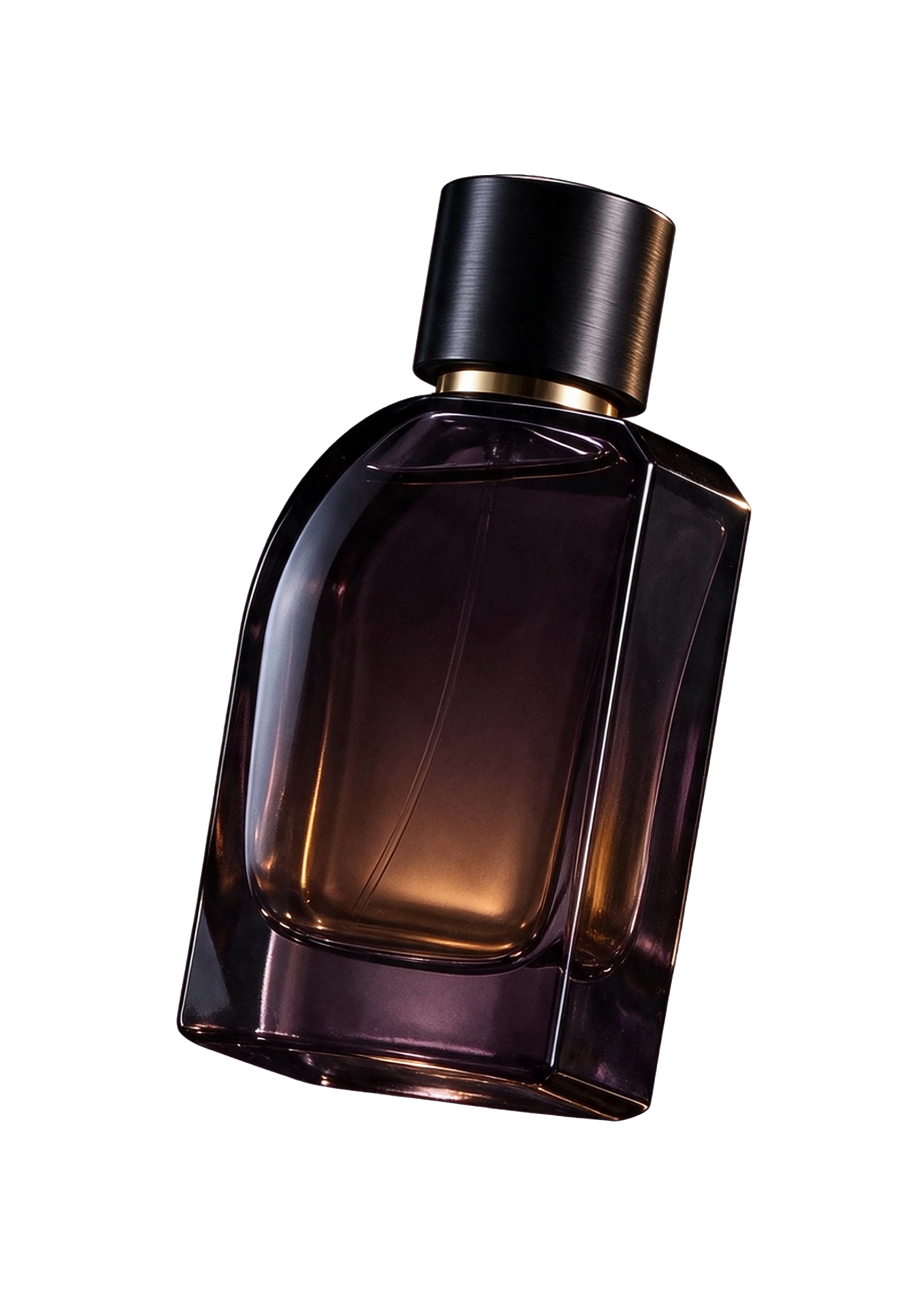
An isolated smoky amber glass perfume bottle with a polished gold collar, realistic refraction and subtle reflections. Preserve partial transparency through the empty glass and the edge of the bottle. No backdrop, floor, text, or checkerboard pattern. Output an RGBA PNG with a transparent background.
Extract from a reference
Extract only the complete perfume bottle from Image 1. Preserve its outline, gold collar, label, liquid color and fine edge details. Remove the backdrop, stand and surrounding props. Keep transparent glass partially transparent and output an RGBA PNG.
Three transparent layers from one perfume composition
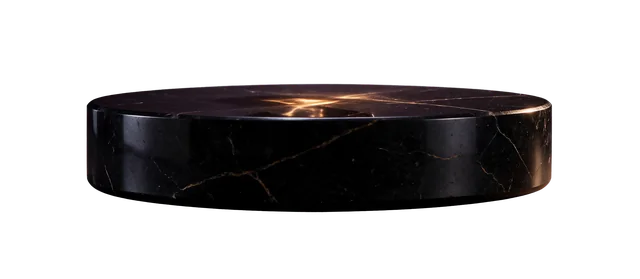
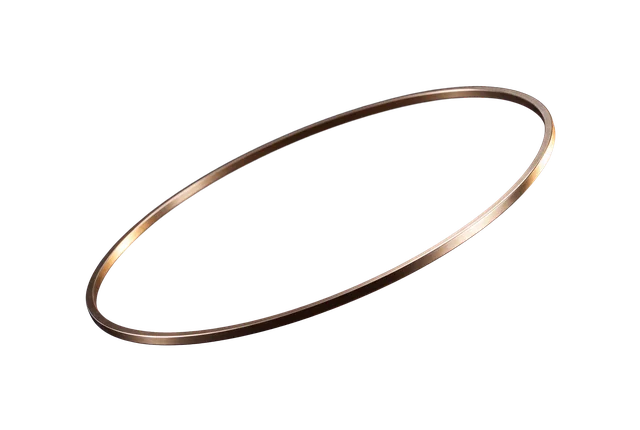
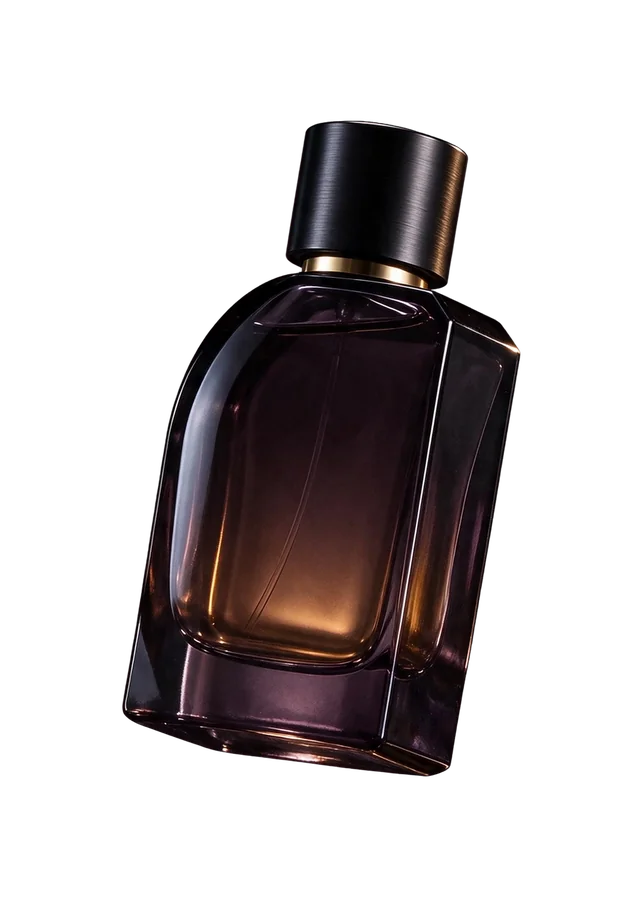
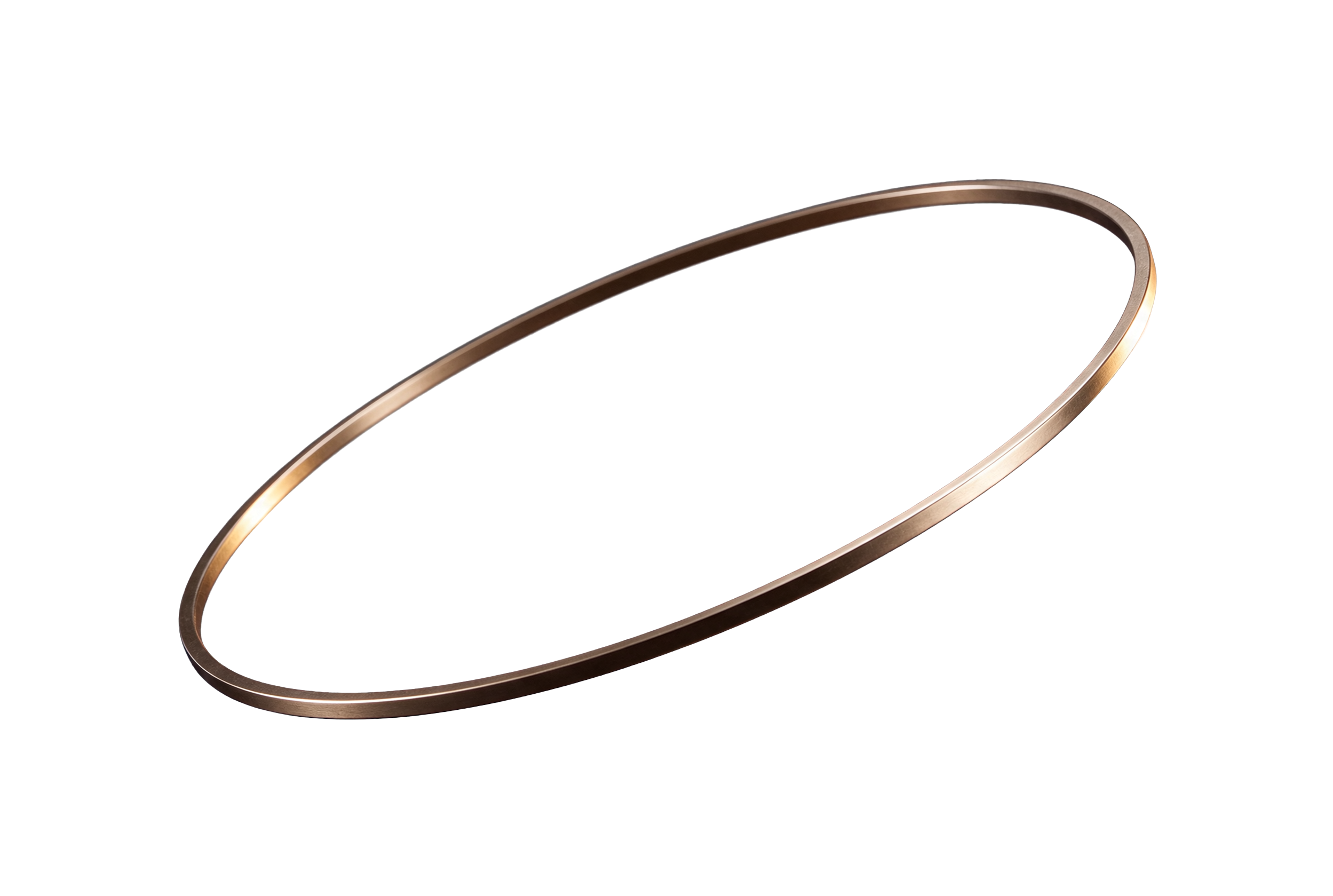
These are three separated assets from the same perfume showcase used on our homepage. They illustrate a layer extraction workflow, rather than three independent text-to-image tests. Open each original PNG to assess its edges at full size.
The checkerboard is a page background behind each preview. Open the original composition to compare the extracted objects with their source.
Check full and partial transparency
Place the downloaded PNG over white, charcoal and a saturated color in an image editor. A clear background reveals each new color. Partially transparent glass should let that color show through while keeping the bottle edge visible.
Practical checks; an individual result can still need manual cleanup.
Symptom
What to check
What to try
White rectangle
The file may be opaque even if it ends in .png.
Select Transparent PNG and inspect the original, rather than a JPG export.
Checkerboard stays in the image
The pattern may have been drawn into the pixels.
Request no checkerboard pattern and confirm the alpha channel.
Pale halo around the object
The edge may contain color from the former backdrop.
Request a clean isolated edge and inspect it over dark and light backgrounds.
Glass looks opaque or disappears
Object transparency and background transparency are separate requirements.
Describe the visible glass edge, reflections and partial transparency explicitly.
Limits, formats and cost
This editor offers 1K, 1.5K and 2K, with up to 10 reference images for editing. A text or edit task produces one image. Each output uses 5 site credits at 1K/1.5K or 10 at 2K; each input adds 2 credits per request. Layer decomposition reserves its maximum output count and restores unused output credits.
Keep PNG or a WebP with alpha when compositing. JPG fills clear areas with white. Fine edges, reflections and product labels need visual review before publication. See site pricing or read the Seedream 5.5 API integration guide.
Frequently asked questions
Does a transparent PNG always contain real transparency?
No. PNG supports alpha, but a PNG can still be completely opaque. Check the original in an editor over a contrasting background.
Can I create semi-transparent glass?
Request partial transparency through the glass and a clear background around it. Inspect the result over several colors: a convincing reflection alone does not establish a usable alpha channel.
Can I split an existing image into layers?
Choose Layer decomposition in the homepage editor and upload one source image. It returns a base and separate image layers where supported; it does not reconstruct the original design document or font objects.