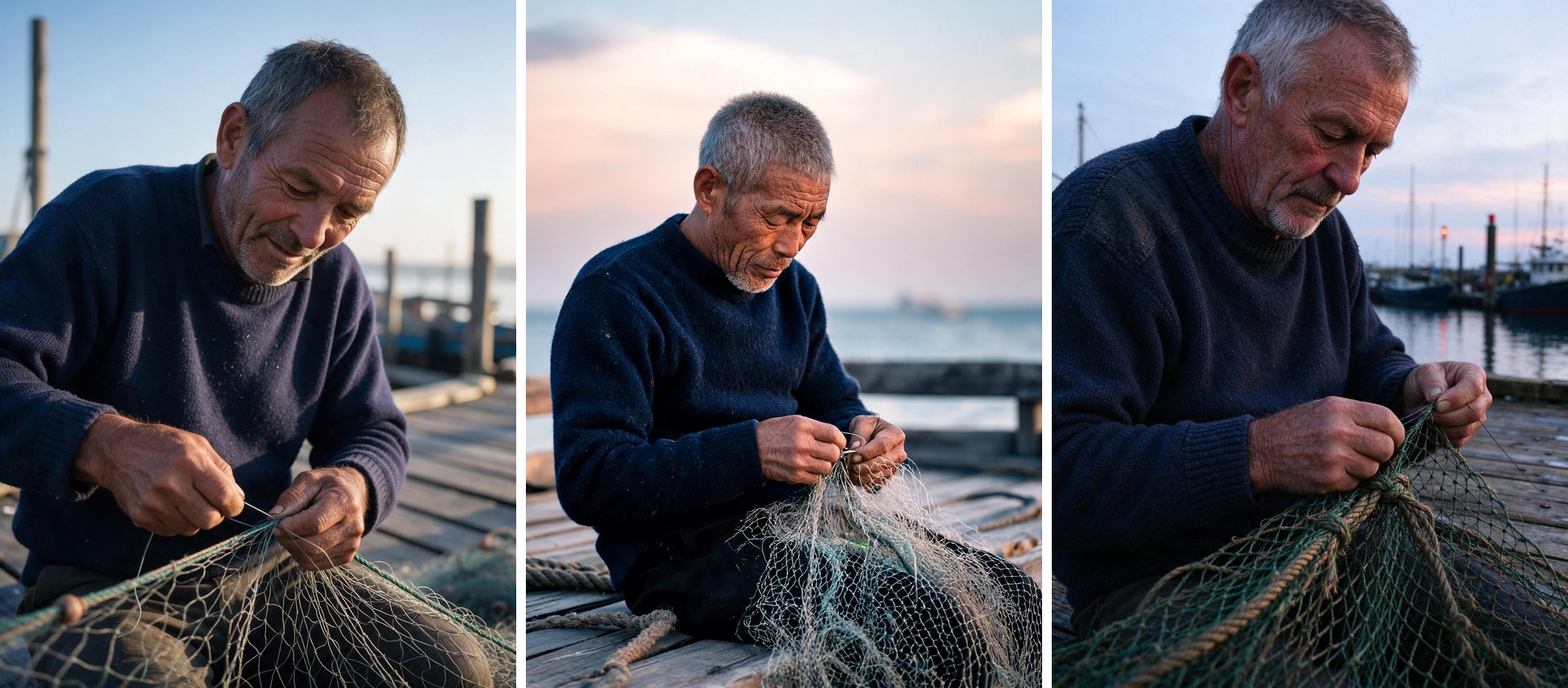
Short answer: as of 2 November 2026, you can use Seedream 5.5 in one place: ByteDance's own Dreamina app, where it appears as "Image 5.5". ByteDance's API platform, BytePlus ModelArk, doesn't list a Seedream 5.5 model yet. That means any site using the API, including this one, can't run 5.5 yet.
That matters because many sites now have "Seedream 5.5" in their name. A site's name doesn't tell you which model it runs.
Where each Seedream model runs today
| Where | Seedream 5.5 | Seedream 5.0 (Pro / Lite / Flash) | How you pay | Best for |
|---|---|---|---|---|
| Dreamina (ByteDance) | Yes, as "Image 5.5" | — | Dreamina plans | The only way to use 5.5 today |
| BytePlus ModelArk (ByteDance API) | Not listed | Yes: $0.045 / $0.09 (Pro ≤1.5K / 2K), $0.035 (Lite), $0.018 (Flash) | Pay per image, API key | Developers, high volume |
| fal.ai (API) | Not listed | Yes: Pro from $0.0675 | Pay per image, API key | Developers who already use fal |
| seedream5-5.io (this site) | Not yet | Yes: $0.06–$0.33 per image | One-time credit packs, no subscription | Making and editing images in the browser without code |
Prices were checked on 2 November 2026 and can change, so look at each provider's page before you buy.
Where others are better: if you write code and need thousands of images, ByteDance's API is cheaper per image than any browser tool, this one included. If you need 5.5's own features today, such as native transparent output, Dreamina is the only real choice.
What's new in Seedream 5.5, according to ByteDance
ByteDance's preview page lists these improvements. They are ByteDance's claims, not our tests:
- Native transparency. It can output transparent and semi-transparent images with an alpha (RGBA) channel, for layered design work.
- Text. On ByteDance's 15-language text test, the average score went from 3.34 (5.0 Pro) to 4.53.
- Editing. Local edits stay clean for 80+ rounds.
- Realism. It renders more believable light and skin.
How to check whether a site really runs Seedream 5.5
- Look for the exact model name on the result or in the history, not just on the home page. Honest sites show which model made each image.
- Ask for a transparent background. ByteDance says 5.5 outputs RGBA natively and Seedream 5.0 doesn't. If you ask for "a logo on a transparent background" and get a flat JPG, that's a strong hint the image came from an older model.
- Check the API list. If BytePlus ModelArk's model list has no 5.5 model, a site that claims "5.5 via API" needs to explain where its model comes from.
What we do in the meantime
This site runs Seedream 5.0 Pro, Lite and Flash, which are ByteDance's current API models, and says so in the model picker and on every result. When an API provider serves Seedream 5.5, we'll add it as a model choice, and your account, credits and prompts carry over. To see how the three 5.0 models compare, read our same-prompt test of Pro vs Lite vs Flash.
FAQ
Is Seedream 5.5 free? Dreamina offers it on its own plans, so check Dreamina for its current terms. Seedream 5.5 isn't available through any API yet, so no third-party site can give it to you, free or paid.
Is there a Seedream 5.5 API? Not as of 2 November 2026. BytePlus ModelArk lists Seedream 5.0 Pro, Lite, Flash and older versions.
Which model is closest to 5.5 that I can use through an API? Seedream 5.0 Pro, the model 5.5 builds on. It handles text in images, editing and multiple reference images.
Will this page be updated? Yes. We'll update the date at the top when 5.5 reaches an API.
Read more
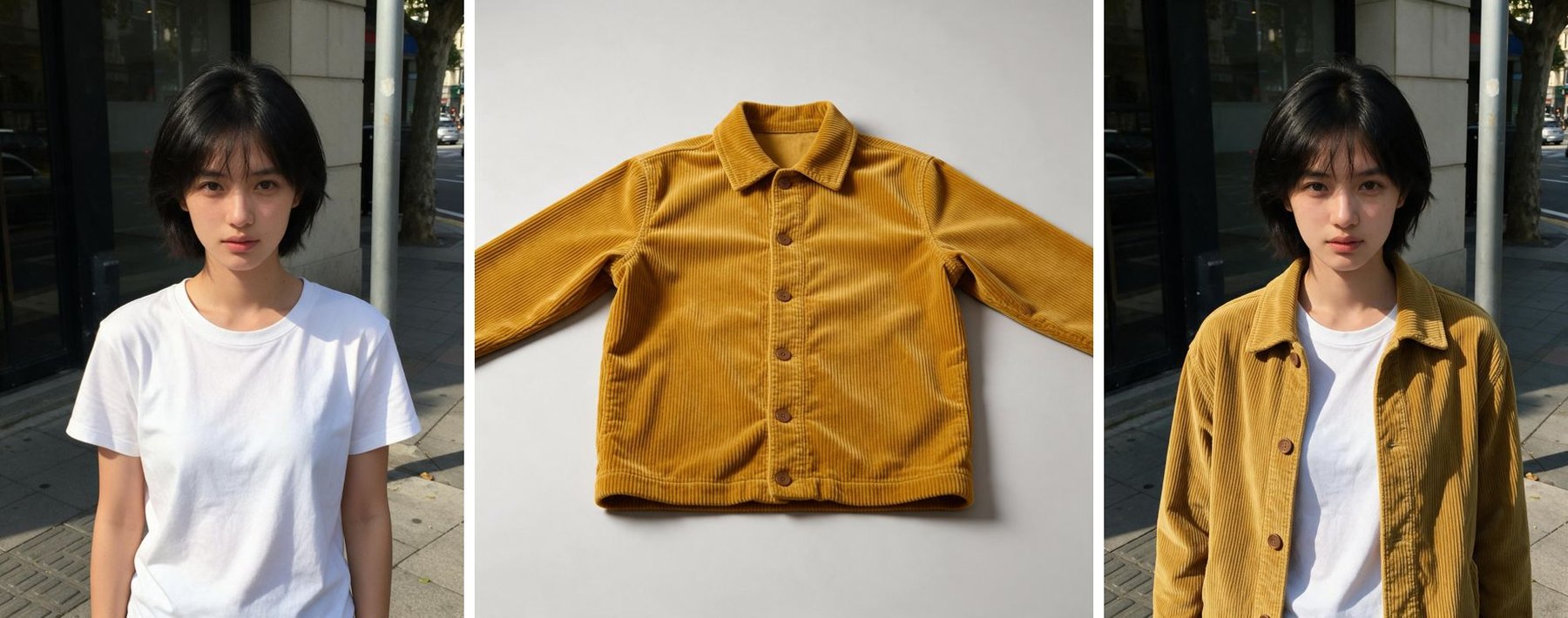
How to Change Clothes in a Photo With AI and Keep the Face (Seedream Tutorial)
A tested, step-by-step outfit swap with Seedream 5.0 Pro: two input photos, the exact prompt we used, the result, and tips that keep the face, pose and background unchanged.
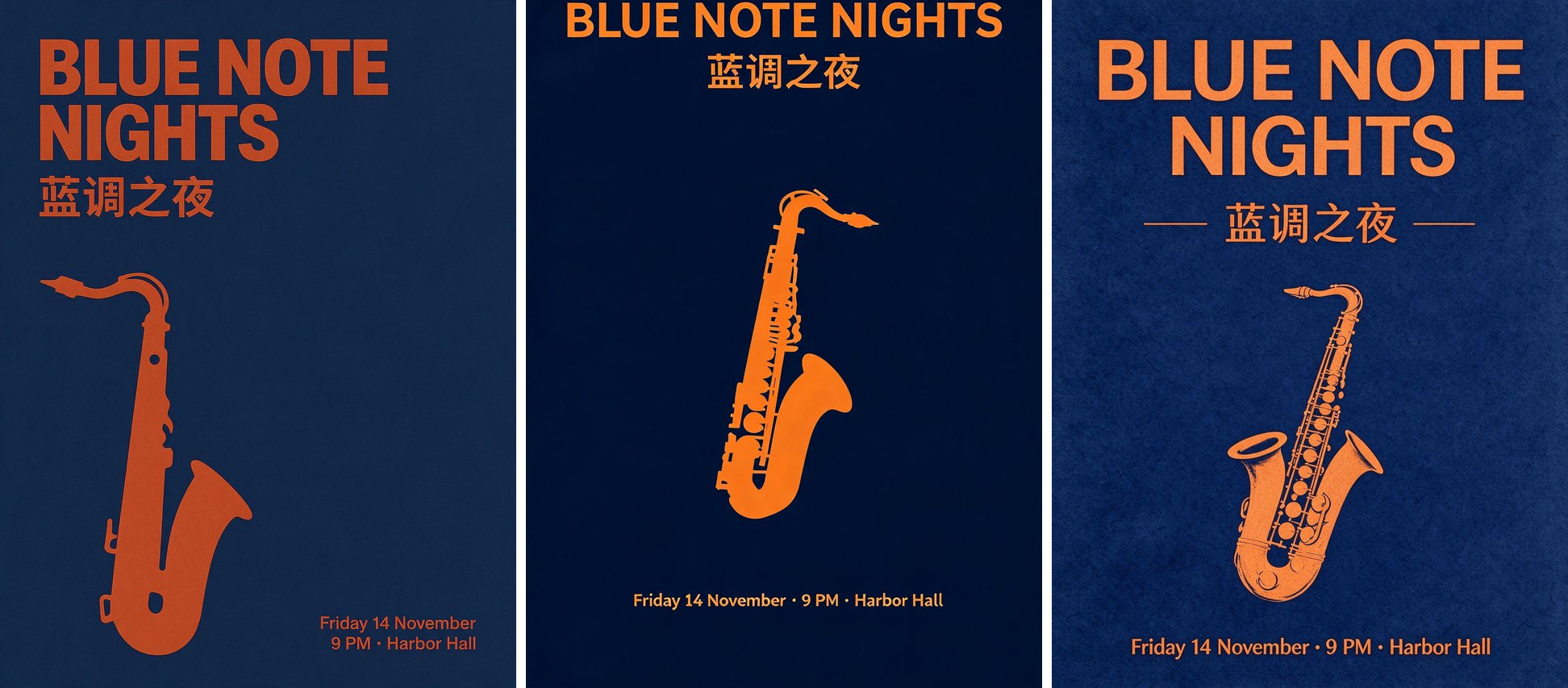
Seedream 5.0 Pro vs Lite vs Flash: Same Prompts, Real Results
We ran three identical prompts through Seedream 5.0 Pro, Lite and Flash at 2K: a typography poster, a photoreal portrait and a recipe infographic. Full images, timings and per-image prices.